
Blog / How-To Guides
The Best Survey Tools for Teachers in 2026: 10 Top Picks
Context
Discover the best survey tools for teachers in 2026. Compare 10 top picks for creating classroom surveys, collecting feedback, running polls, and engaging students.
On this page
Teachers do not need another feature spreadsheet. They need a form that students finish before the bell, a parent reply that does not bounce, or a live poll that shows who is lost mid-lesson.
This guide covers 10 survey tools teachers actually use in 2026, from classroom form builders to live polls and research platforms. If your institution already runs on Google Workspace, Google Forms is still the practical daily default. The rest of the list covers live polls, research surveys, polished parent forms, phone-friendly builders, and generous free options.
How to choose a survey tool for teaching
Ask five questions before you open another signup page:
- Is this live in class, or async after class? Live tools (Mentimeter, Poll Everywhere) beat form builders for cold-call energy. Form builders beat live tools for parent permission and overnight exit tickets.
- Who answers? Students on shared Chromebooks, parents on phones, or staff inside a district tenant.
- Do you need auto-grading or Classroom import? That is still Google Forms / Microsoft Forms territory for most schools.
- Do you need a short public link or QR? Hallway signs and newsletters reward short URLs. See how to make a QR code for a form if print is part of the plan.
- What can the school actually pay for? Free forever, freemium, or a campus license.
1. Formms: Best for quick teacher forms from a phone
Best for: exit tickets, parent sign-ups, conference slots, and hallway QR forms you want live in minutes.
Formms is a free AI form builder. You describe the form, edit the draft, share a short form.ms link or QR, and read replies on your phone. Respondents open a browser. They do not need an account. You can also import an existing public form from Google Forms, Typeform, or Tally instead of rebuilding the questions by hand. For stronger first drafts, see how to turn a prompt into a shareable form.
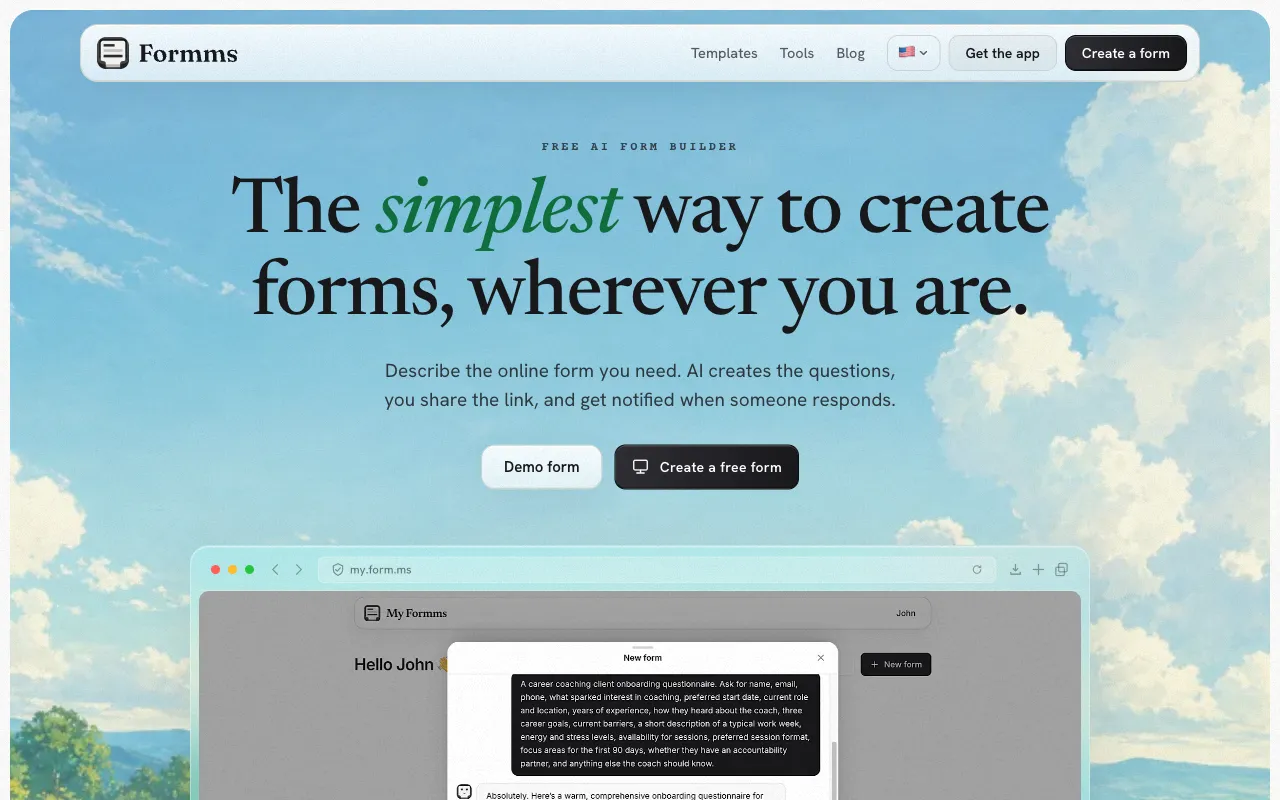
Formms: describe a form, share a short link, collect replies without making guests create an account.
Strengths
- Plain-language AI draft that teachers can rewrite fast
- Short public links and downloadable QR codes; guests need no app and no account
- Unlimited responses unless you set a cap or close date
- Same account on iPhone, Android, and web (
form.ms/dashboard) - Import public Google Forms, Typeform, and Tally links without rebuilding fields
Limitations
- No Google Classroom grade import
- No multi-page logic jumps; not a payments or e-sign product
Who should pick Formms
Choose Formms when the bottleneck is time-to-publish: conference slots for tomorrow, a field-trip interest form for the newsletter, or a three-question workshop exit ticket. Keep graded fluency quizzes in Google if Classroom grade sync matters. For the free-plan walkthrough, see how to create a free form with unlimited responses. If you mostly build away from a desk, why your next form should start on your phone is the fuller case.
2. Google Forms: Best default inside Google Classroom
Best for: schools already on Google Workspace that need Sheets, Classroom, and quiz mode in one place.
Google Forms is still the classroom workhorse. It is free with a Google account, links to Sheets, and can feed quiz scores into Classroom when you set the assignment up for grade importing. Google’s Classroom Help documents the requirements: the quiz must be the only attachment, students limited to one response, email collection on, and students in the same domain as the teacher.
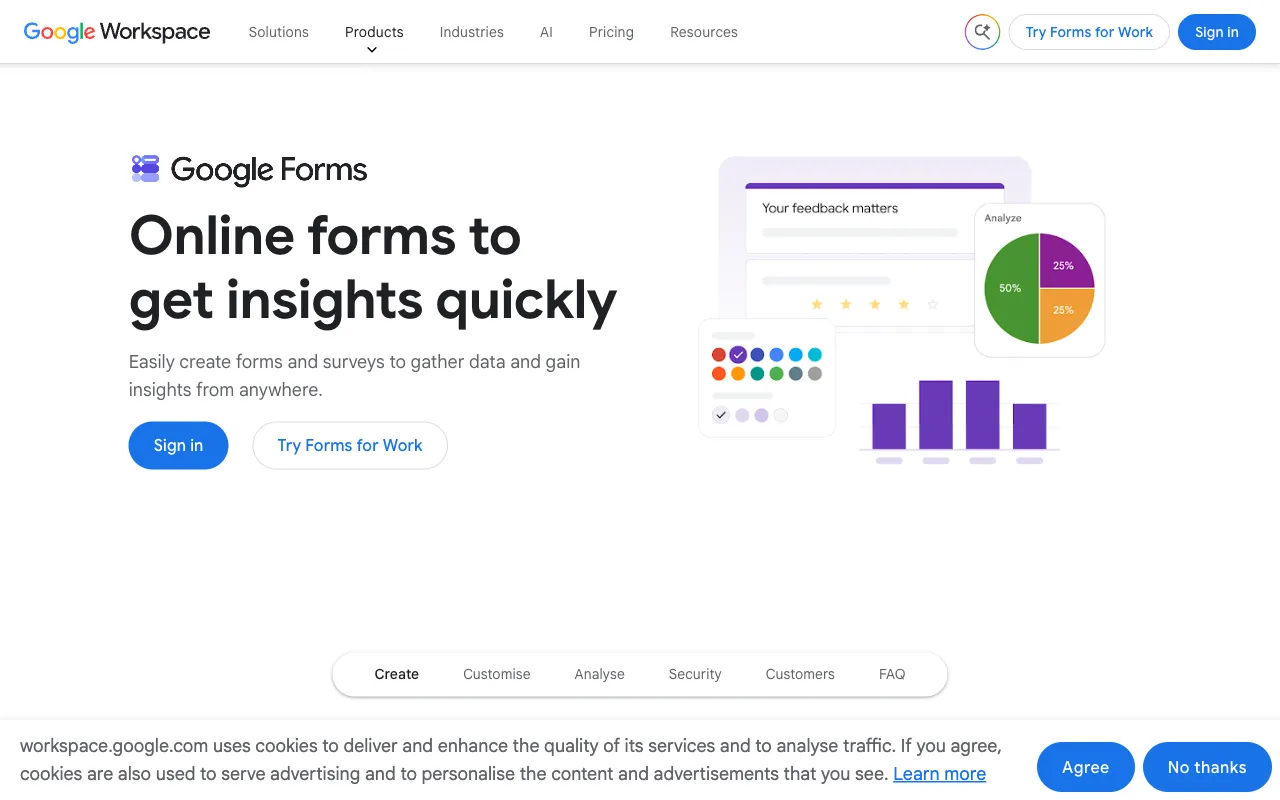
Google Forms: free form builder with Sheets and optional Classroom grade import for Workspace schools.
Strengths
- Free with a Google account; familiar for students and staff
- Quiz mode with Answer keys and grade release controls (Google Docs Editors Help)
- Native Sheets export
- Classroom quiz assignments can import grades when domain and form settings match (Classroom Help)
Limitations
- Branding and respondent polish stay limited
- Mobile creation is weaker than filling forms on a phone (how to create a Google Form on your phone covers the mobile path)
- Long docs.google.com links are awkward on hallway printouts
- Grade import needs Workspace-style Classroom setup; it is not a one-click feature on every personal Gmail class
- Easy to overbuild twelve-question “exit tickets”
Who should pick Google Forms
Stay here if Classroom grade import, quiz auto-grading, or admin Workspace controls are non-negotiable. If you only need a short public link for parents, Formms or Tally may feel lighter. For a wider field of Google Forms alternatives, see 10 best Google Form alternatives.
3. Microsoft Forms: Best for Microsoft 365 schools
Best for: districts on Teams, Outlook, and OneDrive that want surveys without another vendor.
Microsoft Forms sits next to Teams and OneNote. Quizzes, polls, and branching work well for staff who already open Office every morning. Microsoft documents Forms on Microsoft 365 education and business plans, and also for personal Microsoft accounts, with lower response ceilings on personal accounts than on work or school accounts.
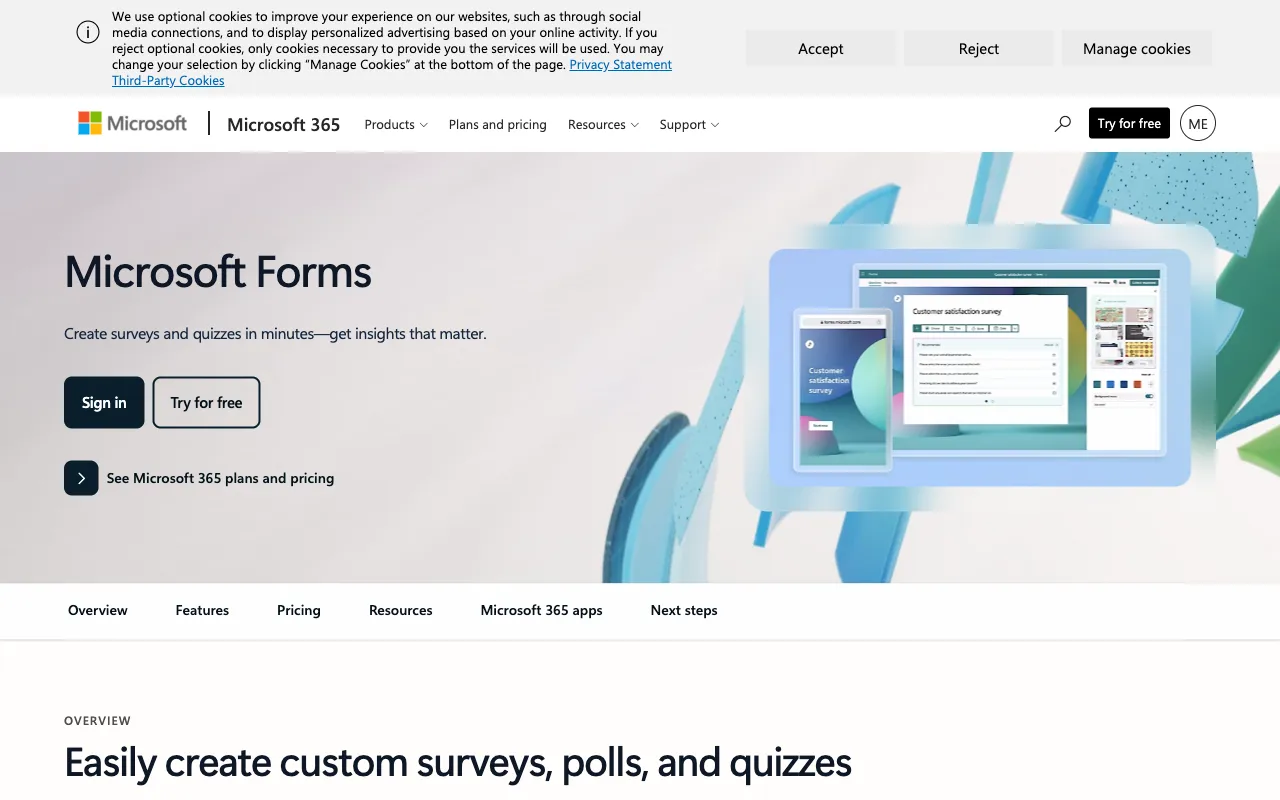
Microsoft Forms: surveys, polls, and quizzes aimed at Microsoft 365 classrooms and staff.
Strengths
- Native fit for Teams meetings and Microsoft 365 tenants
- Quizzes with automatic grading options
- Easy distribution inside school Microsoft accounts
- Familiar Excel / OneDrive response paths
- Included with many education and Microsoft 365 licenses
Limitations
- Design and branding stay utilitarian
- Weak fit if your school is Chromebook / Google-first
- Personal Microsoft accounts hit much lower response caps than work or school accounts (Microsoft documents 200 responses per form on personal accounts vs tens of thousands on many work/school plans)
- Not built for phone-first creation outside the Microsoft bubble
Who should pick Microsoft Forms
Pick it when your IT stack is already Microsoft. Do not force it onto a Google-primary campus just to “standardize” on a different suite. A head-to-head with Formms lives on the Microsoft Forms alternative page.
4. Mentimeter: Best live classroom polling
Best for: formative checks during a lesson when you want answers on screen in seconds.
Mentimeter is built for interactive presentations. Students join with a code, answer on their phones, and you show live charts. That is a different job from an overnight exit ticket.
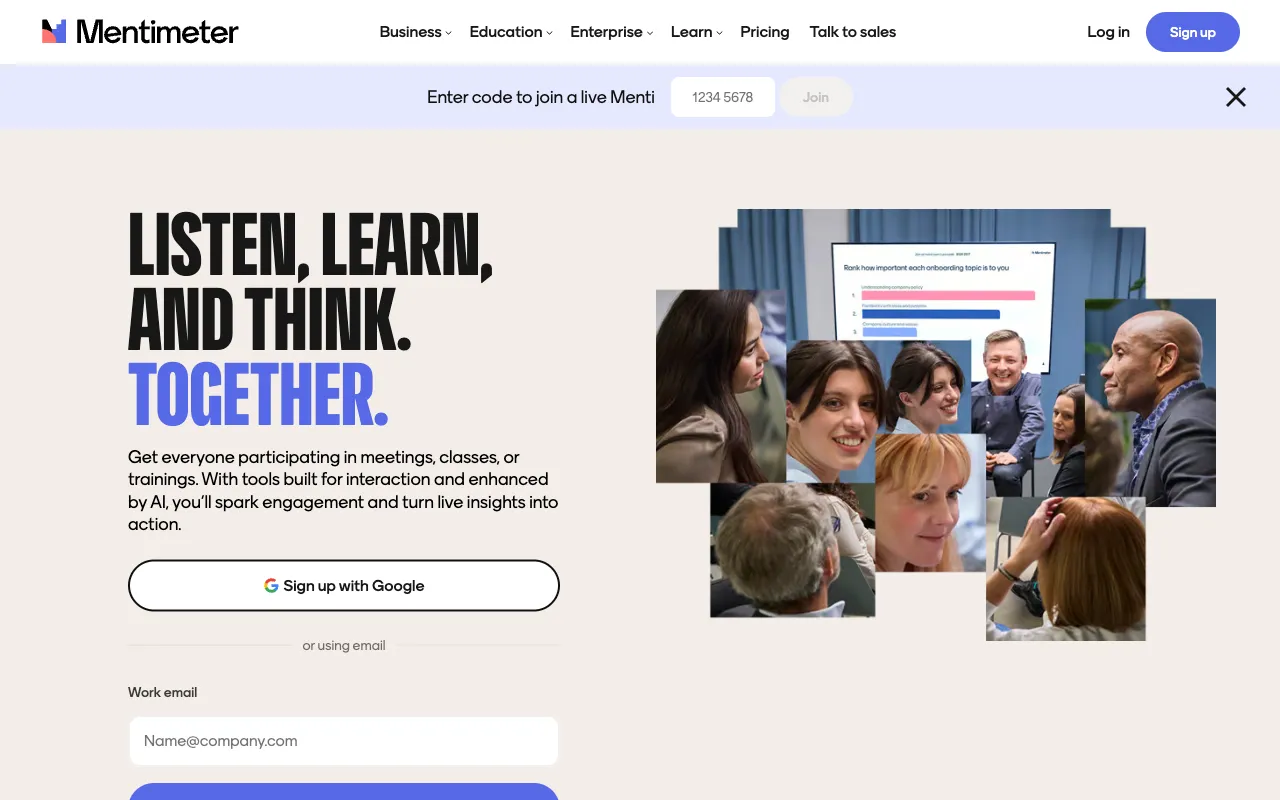
Mentimeter: interactive slides and live audience response for in-class engagement.
Strengths
- Fast live response graphs students can see
- Strong for warm-ups, debates, and “who is lost?” checks
- Works well with presentation flow
- Education discounts exist on paid plans
Limitations
- Free plan caps engagement at 50 participants per month across presentations (official plans page). One mid-size class can burn most of that allowance.
- Export and many branding controls sit on paid tiers
- Overkill for async parent forms
- Not a Classroom gradebook replacement
Who should pick Mentimeter
Use it when the survey must happen during the lesson. For after-class collection, a short Formms or Google Form is simpler. Check current free limits before you plan a full term of daily Mentis.
5. SurveyMonkey: Best for school climate and longer research surveys
Best for: multi-page climate surveys, stakeholder research, and analysis beyond a Sheets chart.
SurveyMonkey is a research platform first. Method templates, logic, and reporting go deeper than a classroom exit ticket needs.
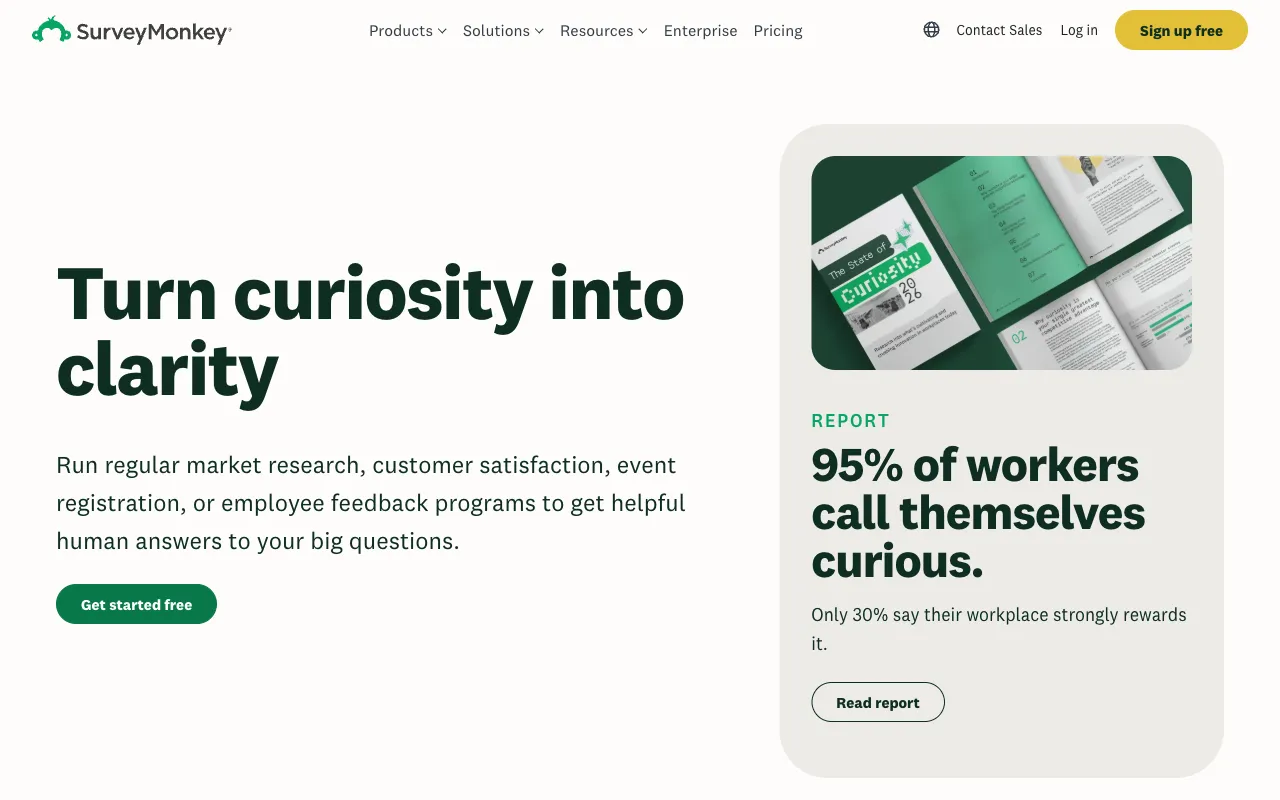
SurveyMonkey: full survey platform with templates and analysis for longer research projects.
Strengths
- Mature survey methodology and templates
- Stronger analysis than a basic form tool
- Familiar brand for district stakeholders
- Education and nonprofit discounts in some regions
Limitations
- Free Basic plan lets you view only a small number of responses per survey (SurveyMonkey’s US pricing FAQ currently cites up to 25 viewable responses per survey; over-limit responses are not usable long term)
- Paid plans meter responses across the account and can charge overages
- Price climbs for education teams that poll often
- Overkill for three-question exit tickets
Who should pick SurveyMonkey
Use it for annual climate surveys or formal research. Do not pay SurveyMonkey prices for daily exit tickets.
6. Typeform: Best polished parent or visitor experience
Best for: enrollment interest, open-house feedback, or any public form where completion feel matters.
Typeform’s one-question-at-a-time flow still leads on respondent polish. Teachers rarely need that for an exit ticket. Parent-facing campaigns sometimes do.
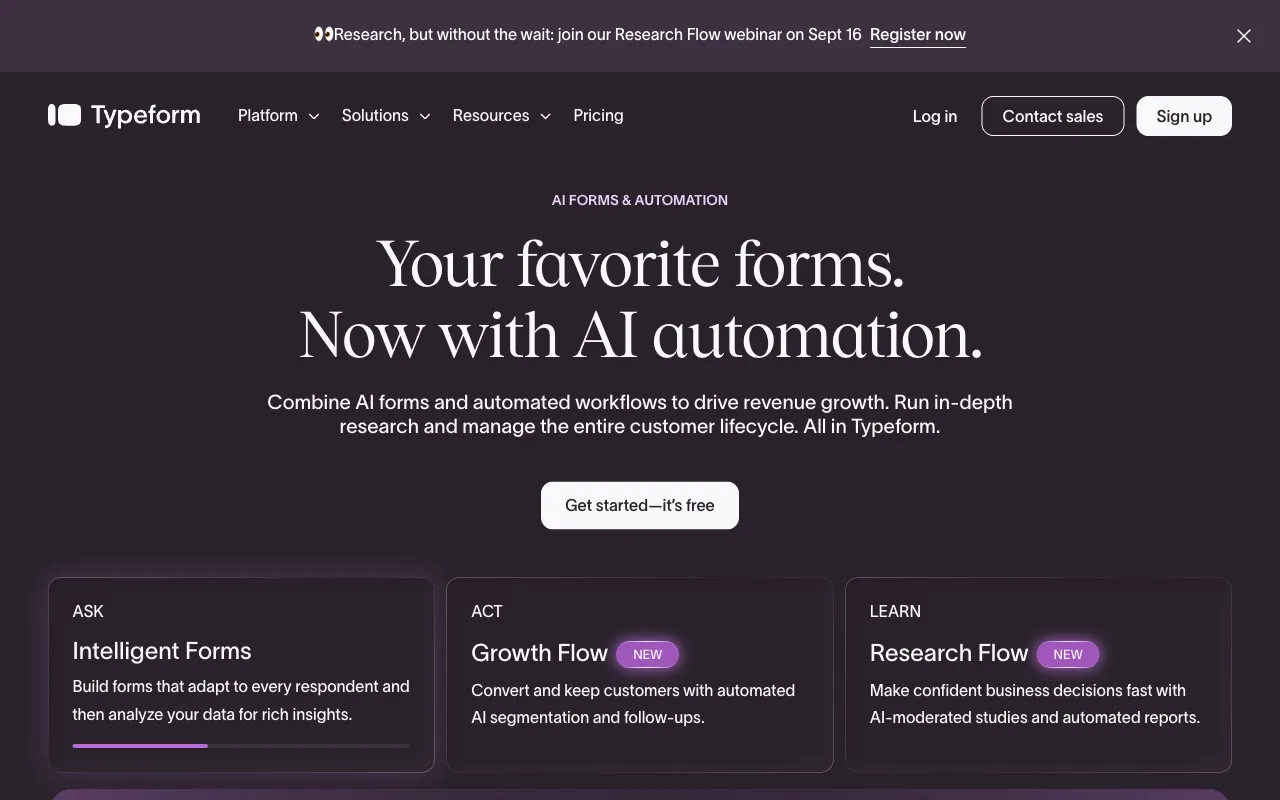
Typeform: AI forms and conversational flows with a premium respondent experience.
Strengths
- High completion feel and branding control
- Good for qualitative parent or community research
- Strong templates and logic on paid plans
Limitations
- Free plan is effectively a demo tier for school volume: as of 2026 it sits around 10 responses per month across forms. Confirm on Typeform’s current pricing page before you plan a campaign.
- Paid plans still meter monthly responses; Basic starts around 100 responses/month
- Cost rises quickly for busy offices
- Overkill for internal attendance sheets
Who should pick Typeform
Choose Typeform when the form is a public brand moment and the school can pay for volume. For free everyday classroom asks, Formms, Google Forms, or Tally are more honest fits. See also the Formms vs Typeform page.
7. Jotform: Best template library for school operations
Best for: permission slips, volunteer applications, and admin forms that need templates or add-ons.
Jotform is a Swiss Army knife: huge template catalog, PDF tools, payments, and workflows. Helpful for offices. Easy to overbuild for a Tuesday check.
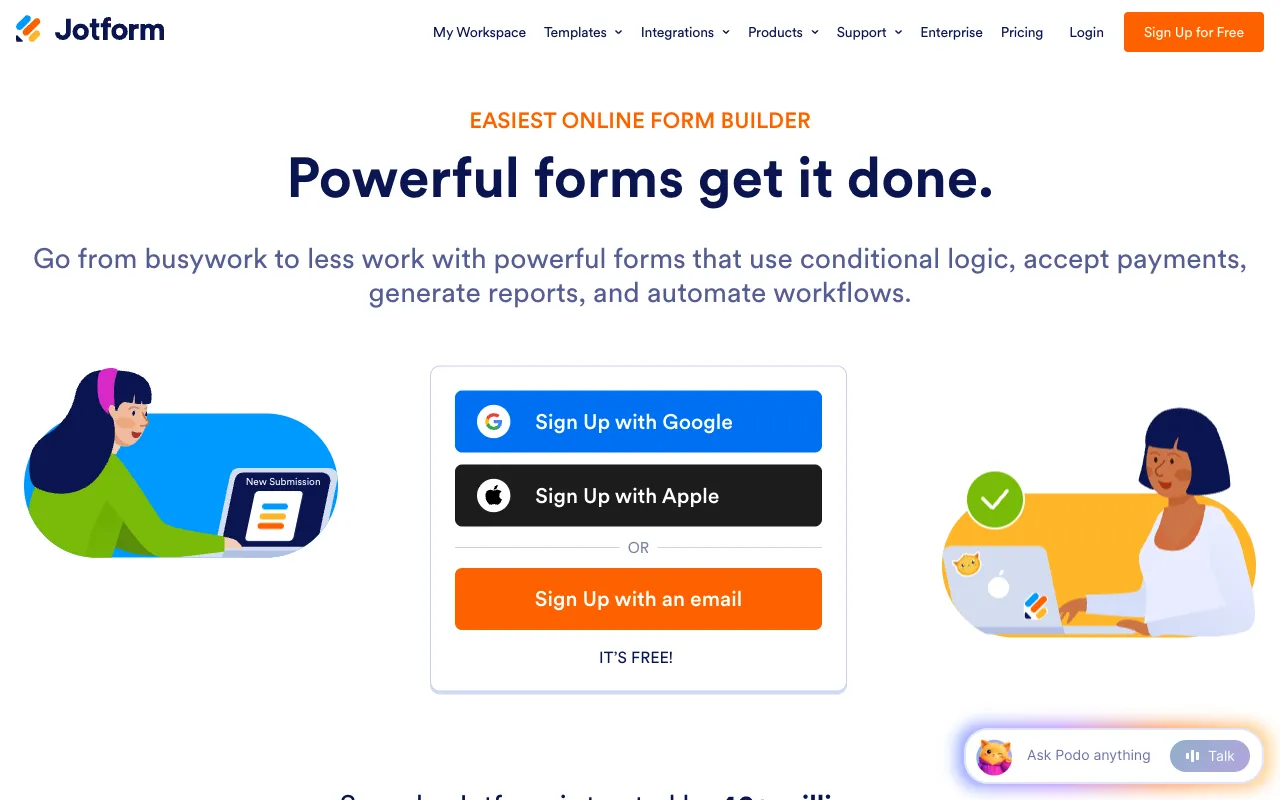
Jotform: large template library and workflow tools beyond a simple three-question survey.
Strengths
- Massive education and admin template library
- Payments and document tools when the office needs them
- Broad integrations
- Published education discount on paid tiers
Limitations
- Free Starter is capped hard for busy offices: 5 active forms, 100 submissions/month, 500 total submission storage (per Jotform’s public pricing table)
- Interface can feel heavy for quick classroom polls
- Temptation to add fields nobody finishes
Who should pick Jotform
Pick Jotform for operational school forms that outgrow a basic builder, especially if the office already budgets for Bronze or higher. Prefer something lighter for daily exit tickets.
8. Poll Everywhere: Best live response inside lectures and PD
Best for: college lectures, faculty PD, and sessions where people answer from slides or chat.
Poll Everywhere focuses on audience response during talks. It overlaps Mentimeter on the live job, with deep education positioning.
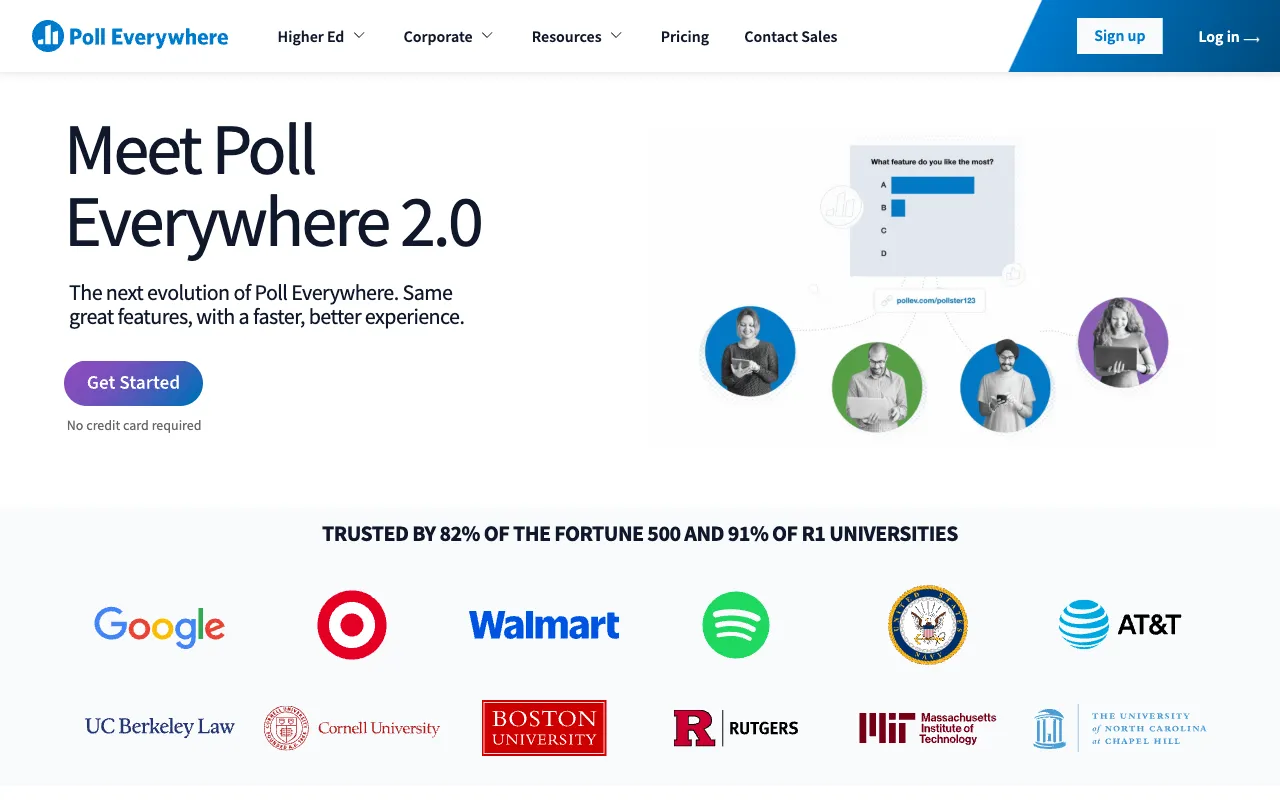
Poll Everywhere: live audience engagement for lectures, meetings, and training.
Strengths
- Strong live polling during presentations
- Dedicated education plan track (Free, Lecture, Educator, Educator+, Campus-wide)
- Multiple response types beyond multiple choice
Limitations
- Free education tier caps audience size at 40 responses per activity; larger classes need Lecture ($9/mo billed annually at time of writing) or higher
- Reporting, attendance, and branding unlock on paid educator tiers
- Not ideal for async parent permission forms
Who should pick Poll Everywhere
Use it for live sessions. Pair it with a simple async form tool for homework and family replies. Confirm class-size limits before you depend on the free tier for a 30-plus room. For parent or hallway collection after class, a short link plus QR code is usually enough.
9. Quizizz (Wayground): Best gamified checks and practice
Best for: low-stakes practice, homework quizzes, and engagement when a plain form feels dull.
Quizizz officially rebranded as Wayground in June 2025. The product still targets teachers with quizzes, lessons, and AI helpers. Treat it as a practice and engagement layer, not a parent survey tool. Old Quizizz links were stated to keep working through the rename.
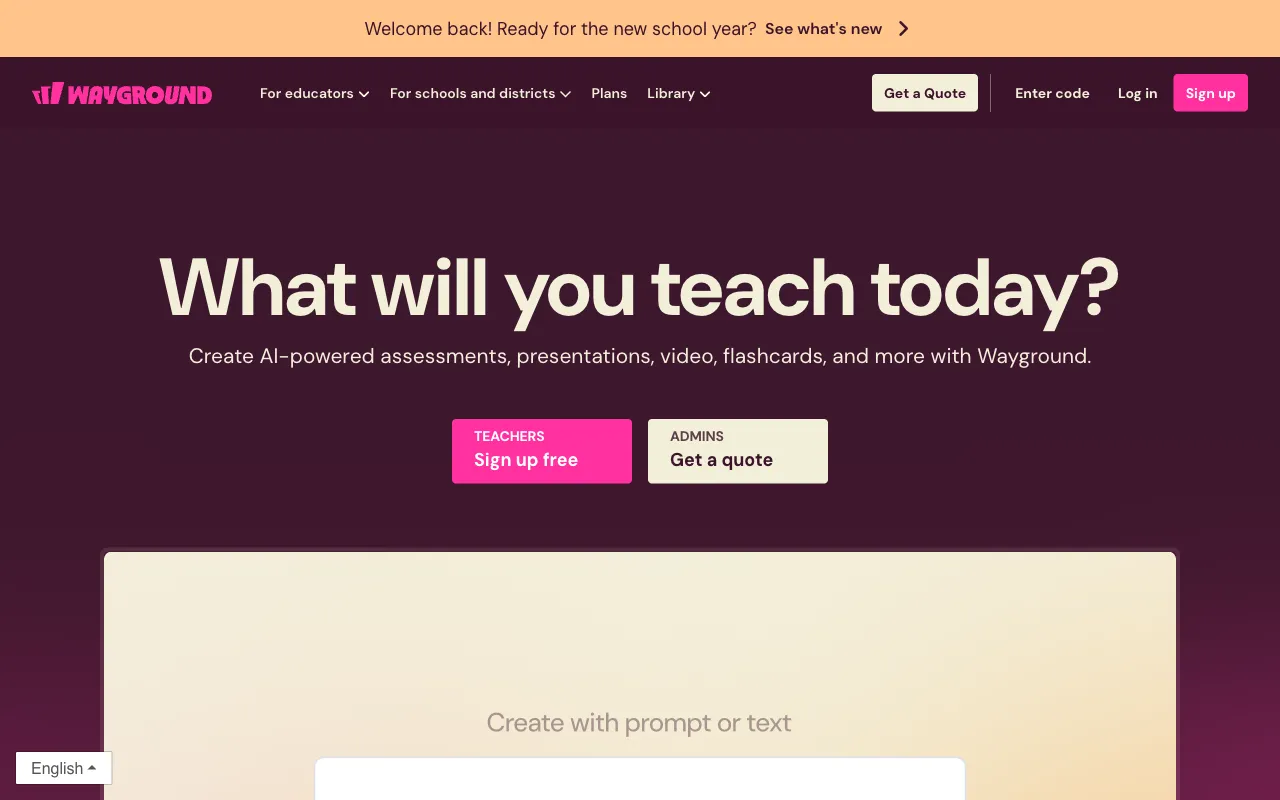
Quizizz is now Wayground: teacher quizzes, lessons, and AI classroom resources.
Strengths
- Students often finish practice that feels like a game
- Large activity library for K-12 topics
- Free Starter plan plus school/district paid options
- Useful for retrieval practice and homework
Limitations
- Brand transition (Quizizz to Wayground) still confuses search and bookmarks
- Not built for parent permission or climate research
- Live game modes are a different job from quiet exit tickets
- District LMS features sit on site-wide plans, not every free classroom account
Who should pick Quizizz / Wayground
Use it for practice and engagement. Keep parent forms and climate surveys elsewhere.
10. Tally: Best generous free modern form builder
Best for: teachers and small schools that want a clean builder without harsh free limits.
Tally’s Notion-like editor and strong free plan made it a favorite for teams that outgrew Google Forms design without buying Typeform.
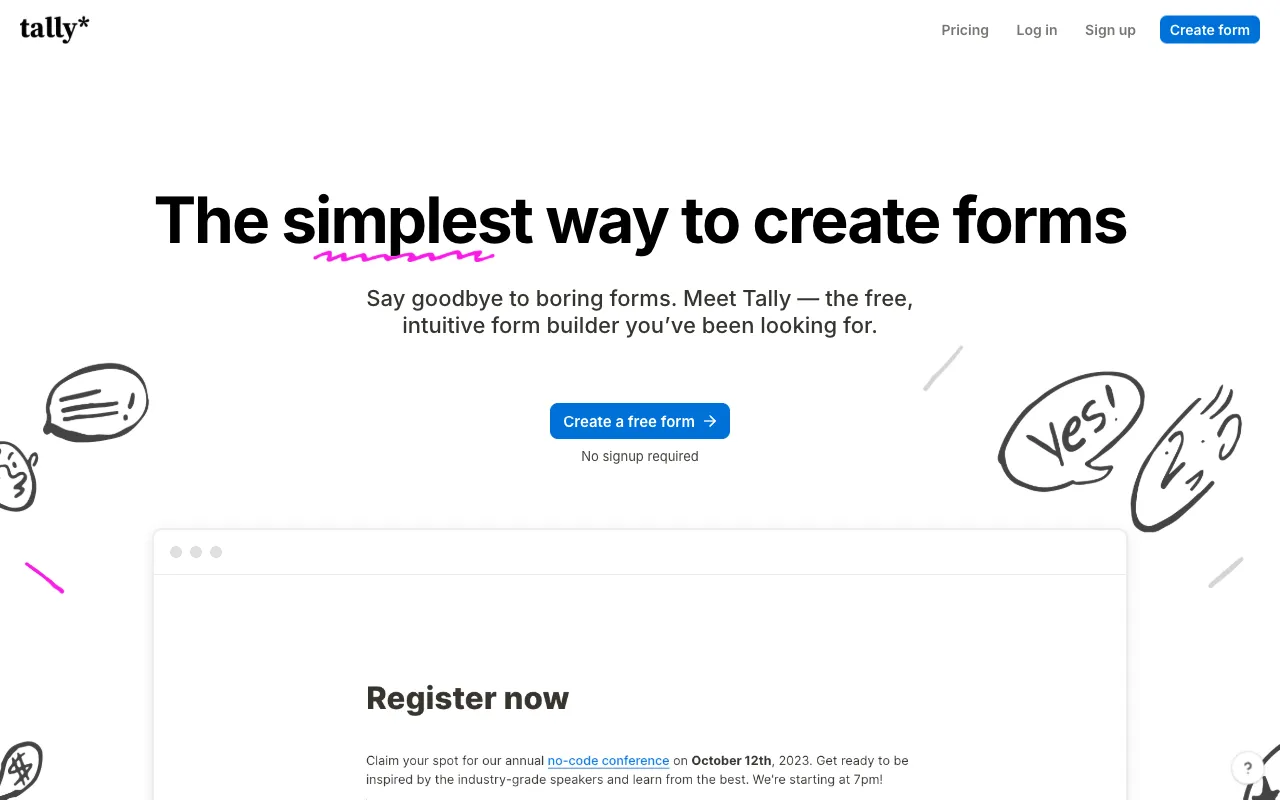
Tally: free forms with unlimited submissions and a document-style editor.
Strengths
- Unlimited forms and submissions on the free plan within fair-use guidelines
- Conditional logic, payments, signatures, and file uploads available without forcing a paid start
- Fast, document-style editing
Limitations
- Removing Tally branding, custom domains, and team collaboration sit on Pro ($24/mo at time of writing)
- Less phone-native creation than Formms
- Not a Classroom gradebook tool
- Less “premium theater” than Typeform
Who should pick Tally
Pick Tally when you want a free desktop-friendly builder that looks modern. Prefer Formms if you draft and share mostly from a phone. More detail lives on the Tally alternative page.
Comparison table: survey tools for teachers
Limits below reflect vendor pages checked in August 2026. Plans change. Confirm before you buy or rebuild a term’s worth of forms.
| Tool | Best classroom job | Live in class? | Free forever core? | Classroom / LMS grade sync | Watch-out |
|---|---|---|---|---|---|
| Formms | Fast parent & exit forms, short QR links | No | Yes (unlimited responses unless you cap) | No | Not a quiz auto-grader |
| Google Forms | Daily quizzes, Sheets, Classroom | No | Yes with Google account | Yes, when quiz assignment settings match | Long links; grade import needs domain setup |
| Microsoft Forms | M365 / Teams schools | Polls in Teams | Personal free (low response caps) or with M365 | Strong in M365 | Weak on Google-first campuses |
| Mentimeter | Formative live polls | Yes | Yes, but 50 participants/mo | No (LMS on Enterprise) | Free participant cap burns fast |
| SurveyMonkey | Climate & research surveys | No | Basic free (~25 viewable responses/survey) | No | Paid response metering |
| Typeform | Polished parent / community forms | No | Free ~10 responses/mo (2026) | No | Free is a demo for school volume |
| Jotform | Admin templates & workflows | No | Starter: 5 forms, 100 submissions/mo | No | Free caps hit busy offices |
| Poll Everywhere | Live lecture / PD response | Yes | Free education: 40 audience size | Campus-wide LMS options | Free class size is small |
| Quizizz / Wayground | Gamified practice | Live modes | Freemium Starter | Site-wide paid LMS options | Rebrand; not a parent survey tool |
| Tally | Clean free async forms | No | Unlimited forms/submissions (fair use) | No | Branding removal is paid |
Frequently asked questions
What is the best survey tool for teachers in 2026?
It depends on the job. For a phone-first form with a short link, start with Formms. For Classroom quizzes and Sheets, stay on Google Forms. For live mid-lesson checks, use Mentimeter or Poll Everywhere. For annual climate research, SurveyMonkey (or a district research platform) is the honest fit.
Is Formms free for classroom use?
Yes for core create, share, and collect. Leave Limit responses blank for no cap. The unlimited responses walkthrough shows the Settings path.
Should I leave Google Forms if my school uses Classroom?
Usually no, not for graded quizzes. Keep Google Forms when Answer keys and Classroom import matter (Classroom quiz assignment help). Add Formms or Tally when you need a short public link for families.
What is best for live student polling?
Mentimeter or Poll Everywhere. A static form will not show a live bar chart mid-lesson.
Can parents fill these without a Google account?
Yes on Formms, Tally, Typeform, Jotform, and most public SurveyMonkey collectors. In Google Forms, turn off Limit to 1 response and avoid verified email if families should not sign in.
Is Quizizz still called Quizizz?
No. The company announced the Wayground rename in June 2025. Expect both names in search for a while.
Conclusion
Teachers do not need one survey tool for every job. They need the lightest tool that fits the moment.
Use Formms when you want a short link live before the period ends. Keep Google Forms or Microsoft Forms when your LMS and gradebook already depend on them. Reach for Mentimeter or Poll Everywhere when the room must answer in real time. Save SurveyMonkey and Typeform for longer or more polished campaigns. Use Quizizz / Wayground for practice, and Tally when you want a generous free desktop builder.
Match the tool to the bell schedule, not the marketing page. Then delete the twelve-question form nobody finishes.